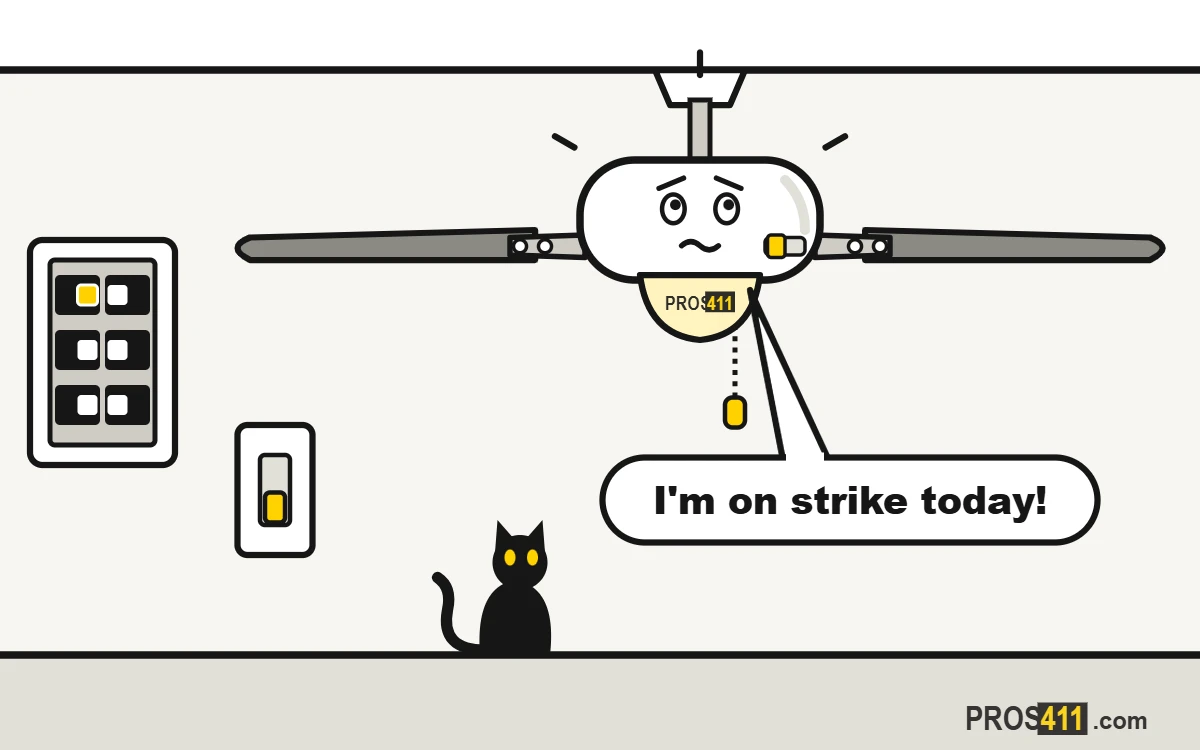
Short answer
If your ceiling fan won't turn on, check that the wall switch is on and pull the chain a few times: it may be on the off setting. Push the direction switch on the motor fully to one side. If it has a remote, put in new batteries. Then reset its breaker once. If it hums but does not spin, or smells burnt, turn it off at the wall and call an electrician.
Safety first
Turn the fan off and let it stop before you touch the chain, the switch on the motor or the blades. Use a sturdy ladder. If the fan hums without spinning or smells burnt, turn it off at the wall and do not open it.
What to check when a ceiling fan will not turn on
1Make sure the wall switch is on
Many fans have a wall switch and a pull chain. If the room has two switches, try both.
Read all the steps
- Make sure the wall switch is on. Many fans have a wall switch and a pull chain. If the room has two switches, try both.
- Pull the chain through each speed. Each pull changes the speed, and one setting is off. Pull it once, wait a few seconds, and repeat up to four times.
- Push the direction switch all the way. With the fan off, find the little slider on the motor. Stuck in the middle, it can stop the fan. Push it fully to one side.
- Remote? Put in new batteries. A dead remote looks like a dead fan. Put in fresh batteries and stand under the fan when you press the button.
- Reset its breaker once. If it sits in the middle, stand on a dry floor and push it fully to OFF, then to ON. Then try the fan again.
- Hums but no spin, or smells? Call. A humming motor that will not turn often has a failed capacitor or motor. Turn it off at the wall and call an electrician.
- Still not fixed? Call an electrician Especially if: the fan hums but does not spin, or spins very slowly.
Electricians near you
Share your location and we will show the nearest ones with their phone number.
Or pick your city:
If the light works but the fan does not
The light and the motor have separate controls. Pull the fan chain through every speed and check the direction switch. If the motor hums, or the blades feel stiff when you turn them by hand with the fan off, the capacitor or the motor may have failed. That is a job for an electrician.
What not to do
- Do not open the switch housing or the canopy to look at the wires.
- Do not leave a humming fan switched on.
- Do not push the blades hard to get the fan started.
- Do not keep resetting a breaker that trips again.
When to call an electrician
- The fan hums but does not spin, or spins very slowly.
- You smell burning or see smoke from the motor or the light kit.
- Nothing works after you check the switch, the chain, the remote and the breaker.
- The breaker trips when you turn the fan on.
- The fan wobbles, clicks or the mount feels loose.
Frequently asked questions
Why won't my ceiling fan turn on?
Most often the wall switch is off, the pull chain is on the off setting, the remote battery is dead or a breaker tripped. Check those first. If none of them fixes it, call an electrician.
Why does my ceiling fan light work but not the fan?
The fan has its own chain and parts. Pull the fan chain through each speed and push the direction switch fully to one side. If it still does not run, the capacitor or the motor may have failed.
Why does my ceiling fan hum but not spin?
Usually a failed capacitor, the part that helps the motor start, or a worn motor. Turn it off at the wall and have an electrician replace the part.
How do I reset a ceiling fan?
Turn it off at the wall switch or the breaker for about 30 seconds, then turn it back on. A remote may also need pairing again; the steps are in the manual.
Can a ceiling fan stop working because of the remote?
Yes. A dead battery, or a remote that lost its pairing, looks just like a dead fan. Put in new batteries, and pair it again if needed.
Is it worth repairing a ceiling fan?
Often, yes. A capacitor, a switch or a remote receiver are common fixes. If the motor is gone, an electrician can tell you if a new fan makes more sense.